
Introduction
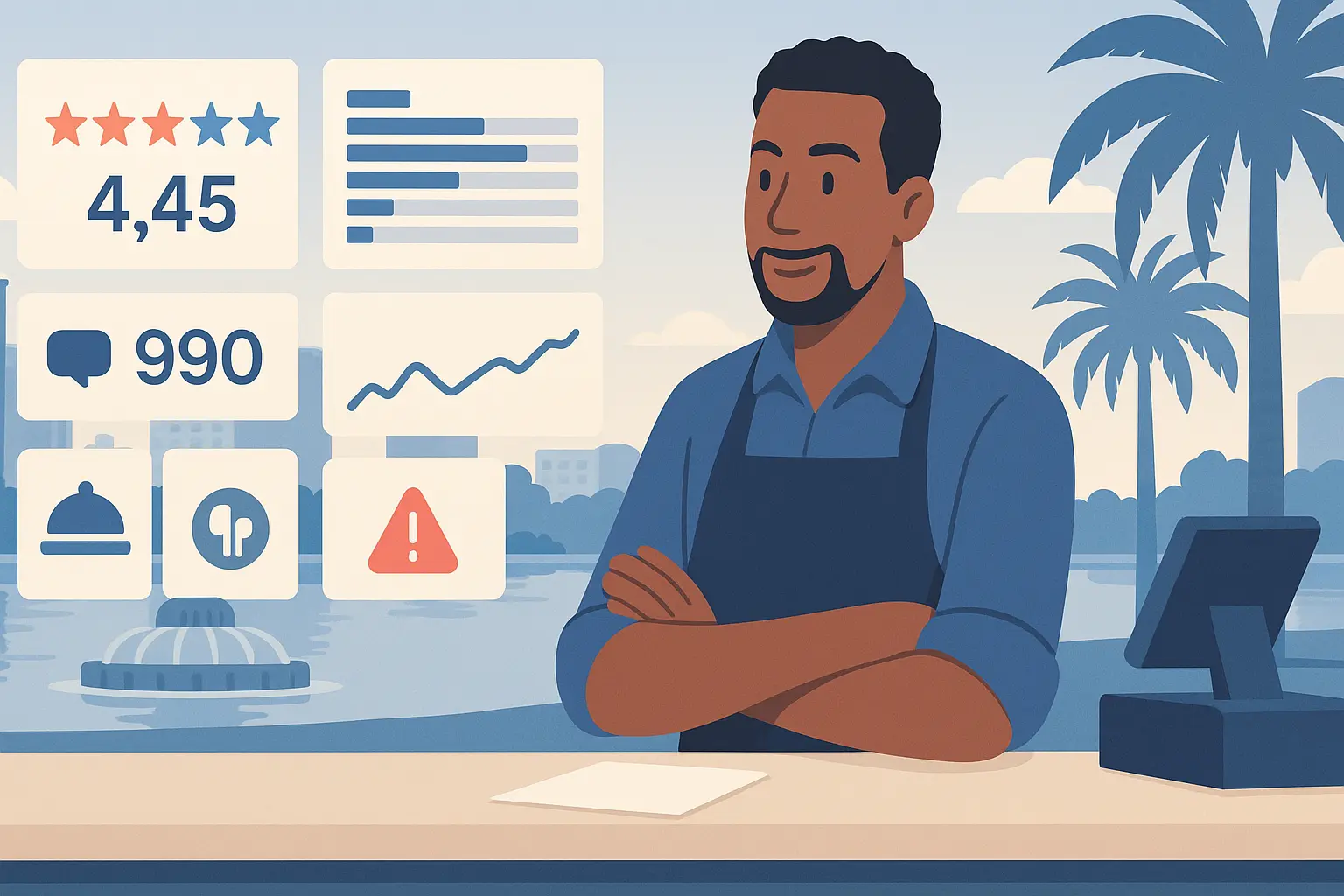
Most locals in Orlando pull up Google Maps before they pick lunch near Lake Eola or dinner by I‑Drive. Your Google Maps rating sits right next to the “Open now” badge, so it decides if a family walking from the Dr. Phillips Center steps inside or keeps scrolling. The average Orlando Restaurant sits at 4.45★ with 990 reviews. If you’re under 4.5★, you’re invisible on “restaurants near me.”
This guide shows how Google Maps shapes foot traffic, why small rating shifts add revenue, and which fixes move the needle fastest. You’ll see what diners praise, what they complain about, and five platform-specific moves you can finish in under two hours a week. Links along the way point to more local insights at /insights and /insights/us/florida/orlando/restaurants.
Important
Use this article as a checklist. Finish one fix per week so momentum sticks.
The Google Maps Landscape for Orlando Restaurants
| Rating | % of restaurants |
|---|---|
| 1★ | 11% |
| 2★ | 3% |
| 3★ | 5% |
| 4★ | 7% |
| 5★ | 74% |
Three out of four Orlando spots sit at 5★, but many have thin review counts. The average restaurant holds 989.83 reviews, so to stand out you need both a 4.5★+ rating and steady volume. Google favors profiles that answer questions, post updates, and respond to reviews quickly. Those moves raise your “relevance” score on “restaurants near me” searches around Downtown, Milk District, and Winter Park.
Diners rely on Maps because it shows wait times, photos, and busy hours. If your latest photo is from 2023, you look stale. Aim for 20 fresh reviews each month to keep the profile active and protect against a few bad nights.
Tip
Check your own search result on a private tab while standing a block away. If you don’t show in the top three, work this list today.
Next step: Audit your profile—rating, review count, last photo date, and response time.
Revenue Impact
A Harvard study shows every 1-star lift can raise revenue 5% to 9%. For a $1.2M-a-year Orlando restaurant, a 0.3-star gain from 4.2★ to 4.5★ could mean $18k to $32k a year, roughly a weekend’s covers each month. The lift often comes from 30 to 40 fresh reviews that drown out a few bad nights.
Small moves matter. A single unresolved 1★ review can drop your average by 0.02★ when you have 1,000 reviews. Clearing five old complaints this week can recover the same ground as gathering 50 new 5★ reviews.
Note
Revenue impact stacks with foot traffic: higher rank on Maps brings more first-time guests who decide within 15 seconds.
Next step: Put a dollar number on a 0.1-star lift for your spot and share it with your managers.
What Orlando Customers Complain About on Google Maps
- Slow or missing service with long waits for food or seating, even when restaurants aren’t busy — 28%
- Food quality misses—cold, bland, overcooked/undercooked or burnt dishes that don’t match price — 22%
- Billing or trust issues such as extra charges, altered tips, or outdated/incorrect open hours — 9%
Google Maps reviews are short and immediate. Many come while the guest is still in the booth. That’s why service speed pain shows up first. One diner wrote:
“It took two hours to get the food and neither the waitstaff nor management seemed to give a shit.”
Another flagged billing:
“Make sure you keep your receipts because they will change the tip and charge you more.”
Because Maps prompts users to add details like wait times and photos, operational misses surface fast. A long ticket time on a Tuesday afternoon hurts more than a Saturday because it signals a broken process, not just volume.
Operational focus is the fix. Tighten expo checks, publish accurate hours, and audit POS tip lines weekly. When you reply, give a concrete fix (“We added a mid-shift cook and set a 12-minute ticket target”) instead of “Sorry for the inconvenience.”
Warning
Don’t let old 1★ reviews sit unanswered. A 90-day-old complaint still shapes “near me” ranking.
Next step: Pull your last 20 reviews, tag each to these three buckets, and fix the biggest one this week.
What Drives 5-Star Reviews
- Consistently friendly, attentive servers and managers who check in and fix needs quickly — 38%
- Tasty, well-seasoned food across cuisines — 55%
- Lively, welcoming vibe with music or event-ready atmospheres — 21%
Guests rave when service feels personal and quick. One 5★ diner shared:
“This was by far THE BEST SERVICE and FOOD that I have had in a very long time.”
Another loved seeing care in the kitchen:
“Had a lovely Lunch Course, everything was so fresh and saw everything being made from the kitchen with care.”
People notice staff who stop by unprompted and managers who comp a drink after a slow ticket. They also reward fresh, well-seasoned plates across burgers, tacos, pho, and brunch—Orlando’s mix is wide.
Tie praises to habits: a 2-minute table touch every 12 minutes in dining, a photo-ready plate, and music that matches the daypart. Those behaviors keep 5★ reviews coming even when you’re slammed.
Tip
Script one “manager touch” line per shift: “I’m aiming for a 12-minute lunch ticket. How are we doing?”
Next step: Train one server per shift to run table touches; measure 5★ mentions of service for two weeks.
5 Google Maps-Specific Strategies
Strategy 1: Optimize Your Business Hours
Why it matters: 9% of negatives cite wrong hours or billing confusion. Incorrect hours hurt “Open now” visibility and trust. If Maps says you’re open at 10pm but the doors are locked, you invite 1★ hits.
Action steps:
- Update Google Business Profile hours for holidays and events every Monday (10 minutes).
- Add “kitchen closes at” in the description to set expectations.
- Use “More hours” for brunch or late-night windows.
- Pin a Google Post about holiday hours.
Time savings: 20 minutes a week prevents hour-related complaints that take 30 minutes each to resolve.
Caution
Don’t copy hours from your website without checking POS staffing. Mismatches drive refund requests.
Next step: Open Google Business Profile today and set the next four weeks of special hours.
Strategy 2: Respond to Reviews Within 24 Hours
Why it matters: Fast replies signal active management and improve ranking. Google’s guide favors responsive owners. With 989 average reviews, a daily 10-minute slot clears the queue.
Action steps:
- Set a 15-minute daily block to answer every new review.
- Use a simple template: thank, address specific detail, state fix, invite back.
- For 1★: offer a direct contact and one concrete change (“New mid-shift host to cut wait lines”).
- Log themes weekly in a spreadsheet to spot repeat issues.
Time savings: 15 minutes daily beats losing a night fixing a reputation dip.
Important
Never reuse the same reply. Guests can see patterns and trust drops.
Next step: Schedule a daily alarm before lunch to reply to every review from the past 24 hours.
Strategy 3: Add Photos Weekly
Why it matters: Fresh photos boost relevance and clicks. Many Orlando diners pick based on today’s vibe before a Magic game or a concert. Stale photos lower click-through rates.
Action steps:
- Post five new photos each week: one dining room, two hero plates, one drink, one team shot.
- Shoot during daylight near windows to avoid harsh shadows.
- Rename files with dish names before uploading to help search context.
- Rotate seasonal items so “what you see is what you get.”
Time savings: 30 minutes with a phone camera replaces pricey shoots and reduces “food looked different” complaints.
Tip
Pair photo uploads with weekly specials so the image matches the offer that day.
Next step: Block 30 minutes each Tuesday before service to shoot and upload five photos.
Strategy 4: Use Google Posts for Specials
Why it matters: Posts appear under your listing and push competitors down. They also signal activity, which helps “near me” relevance. A weekly post keeps you present for pre-game crowds.
Action steps:
- Publish one Post per week with a clear offer: “Tuesday tacos, 12pm-3pm, $12 combo.”
- Include a fresh photo and a call to action like “Call to book.”
- Reuse proven offers from your POS data; keep copy under 100 words.
- Track clicks and calls from Posts in your GBP insights.
Time savings: 20 minutes weekly; reduces phone time explaining specials.
Note
Posts expire after seven days. Keep a calendar reminder so you never go dark.
Next step: Draft the next four weekly Posts today and schedule calendar alerts to publish.
Strategy 5: Ask for Reviews at the Right Moment
Why it matters: Volume and recency lift your rating. Asking after a smooth meal raises 5★ odds. With 74% of restaurants already at 5★, recency is your edge.
Action steps:
- Train servers to request a review when dropping the check for tables that smiled or praised a dish.
- Hand a QR card that links to your Google review form; refresh the link monthly.
- Aim for 5 requests per server per shift; expect 1 to 2 reviews daily.
- Track which shifts pull the most reviews and reward that team.
Time savings: 10 minutes of training yields 30 to 40 new reviews a month, replacing hours of outreach.
Important
Never offer discounts for reviews. Thank guests instead with a sincere invite to return.
Next step: Print QR cards tonight and brief tomorrow’s lunch team on the ask.
Platform Comparison Insight
Google Maps drives last-minute decisions and walk-ins around Orlando more than TripAdvisor. Maps ranks you for “near me” and shows busy times; TripAdvisor skews to tourists planning ahead. Start with Google fixes, then read the TripAdvisor insights for review pacing. If you want both in one view, check the cross-platform comparison.
Next step: Finish the five Google steps, then adapt the best two for TripAdvisor.
Next Steps
This week: Check your rating, read your last 20 reviews, and pick one complaint to fix. Update hours, reply to every review, and upload five photos. Use the Insights home and city index to see how peers rank.
This month: Fix the chosen complaint, ask for reviews daily, and post weekly specials. Compare progress on the business type index.
This quarter: Track rating, review count, and revenue monthly. Move to the next complaint once the first stays below 5% of feedback. If you want a dashboard, try our review tool at / and see pricing at /pricing.
Tip
Keep a single spreadsheet: date, rating, review count, top complaint, fix, result. Review it every 30 days.
Data Methodology
Data source: Google Maps public reviews only. Sample: 100 Restaurants in Orlando, Florida. Collection date: December 10, 2025. Average rating 4.45★, average review count 989.83. Rating mix: 74% at 5★, 7% at 4★, 5% at 3★, 3% at 2★, 11% at 1★. Complaints and praises come from 701 recent reviews, coded by theme.
This is a snapshot; individual results vary by neighborhood, cuisine, and season. No TripAdvisor data is included here—see the TripAdvisor variant for that platform. All figures are verifiable on Google Maps listings for Orlando Restaurants.
Next step: Save this methodology with your ops notes so managers know where the numbers came from.